Get Found Locally: Directory Profile and Local SEO Guide
Most customers looking for a local service start with a search: "electrician near me," "commercial cleaning in Tampa," "bookkeeper for contractors." The busine…
Most customers looking for a local service start with a search: "electrician near me," "commercial cleaning in Tampa," "bookkeeper for contractors." The businesses that show up are not always the biggest. They are usually the ones with complete, consistent, trustworthy information in the places customers and search engines look.
This guide walks through the local SEO basics every small business and vendor can handle in an afternoon, and how a Better Sales Pro directory profile fits in.
What local SEO is and why it matters
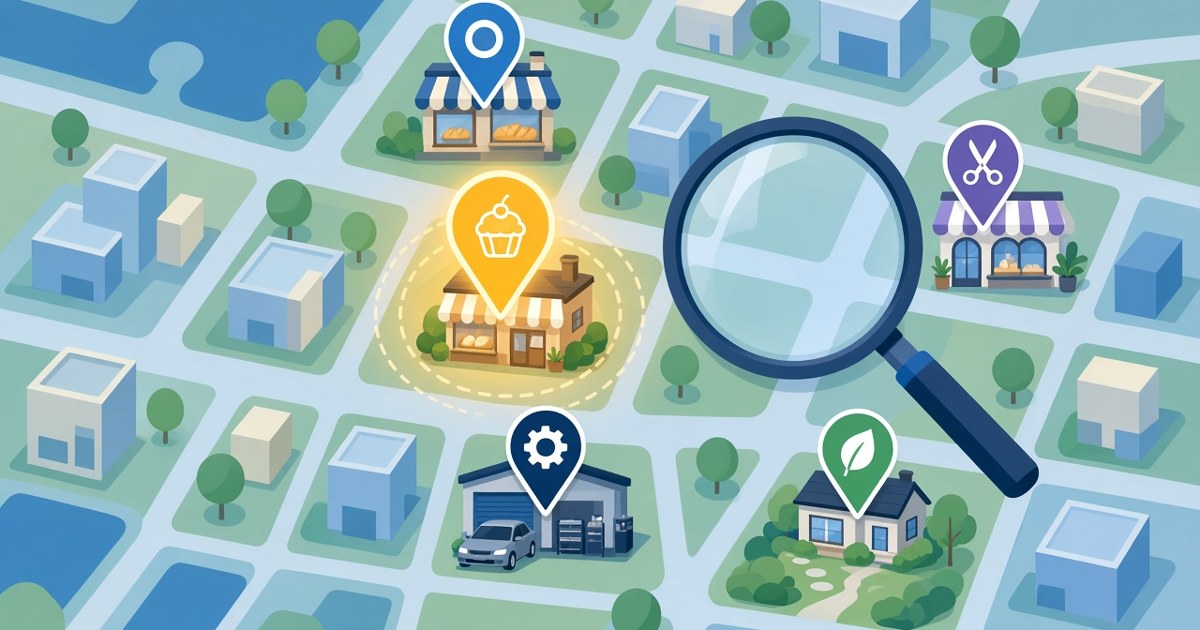
Local SEO is the work of making your business easy to find for searches tied to a place. Search engines try to show nearby, relevant, reputable businesses. You influence that through three things you control:
- Relevance: does your information clearly say what you do?
- Location: does it clearly say where you work?
- Prominence: do reviews, listings, and links show you are an established, trusted business?
Step 1: Claim your core listings
Google Business Profile
This is the foundation for most local searches. Claim it, verify it, choose accurate categories, and fill in every field.
Major directories
Claim free profiles on directories relevant to your trade. Yelp offers a free business page, with advertising sold separately (WebFX). BBB lets businesses claim a free profile, with accreditation as a separate paid membership (BBB).
A Better Sales Pro professional profile
The Better Sales Pro Professionals Directory lets customers browse by category, compare reviews, services, and credentials, and contact you directly. Profiles can also appear on participating partner websites, depending on each partner's listing criteria.
Step 2: Make your NAP consistent everywhere
NAP stands for name, address, and phone number. Inconsistent details confuse customers and weaken the signals search engines rely on.
Checklist for consistency
- Use the exact same business name on every listing.
- Use one primary phone number.
- Format your address the same way each time.
- Use the same website URL, including whether it has "www."
- Update every listing when anything changes.
Tip: keep a simple spreadsheet of every listing, its login, and the date you last checked it.
Step 3: Write a profile that matches how customers search
Name your services plainly
Write "water heater installation," not "hydro solutions." Use the words customers type.
Name your service areas
List the cities, neighborhoods, or regions you actually serve. On Better Sales Pro, add these as service areas so customers filtering by location find you.
Lead with what makes you different
One or two sentences: who you serve, what you specialize in, and why customers choose you.
Add real photos
Photos of your team, vehicles, and finished work help customers picture working with you.
Step 4: Build trust signals
Get verified
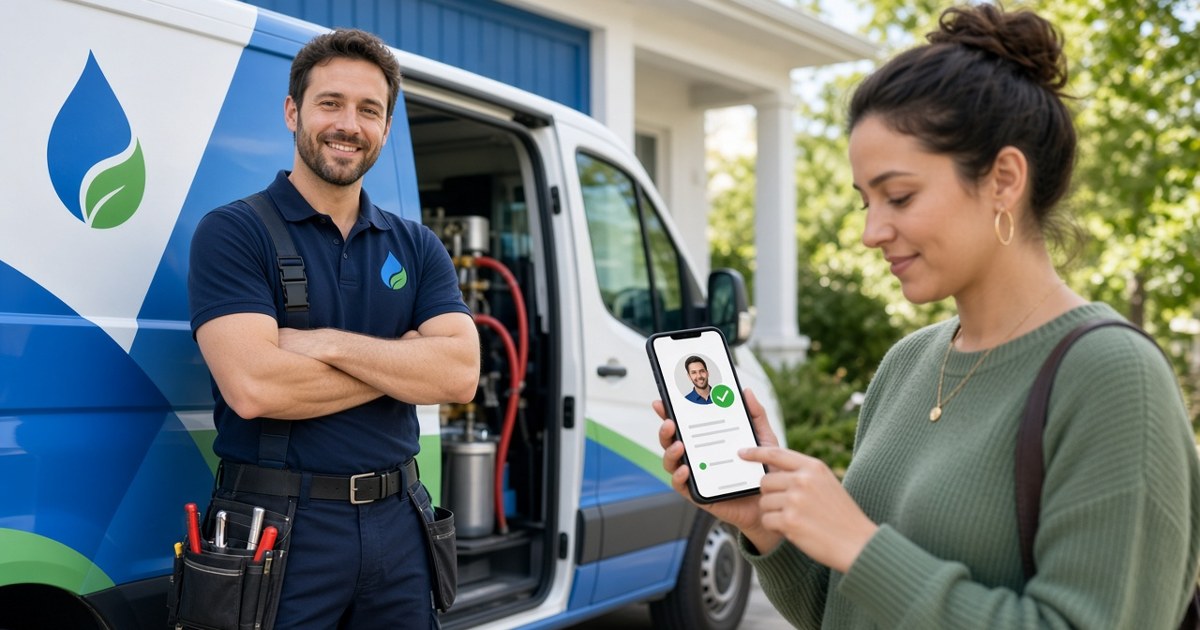
On Better Sales Pro, profiles can display License verified and Insurance verified badges after a separate review. Creating a profile does not verify it automatically, which is exactly why the badge means something.
Earn reviews steadily
Ask every satisfied customer, right after the job, with a direct link. A steady trickle looks more credible than a burst.
Respond to every review
Thank positive reviewers. Reply calmly and helpfully to negative ones. Future customers read your replies.
Step 5: Connect your website
Create location and service pages
If you serve several towns, a page for each with genuinely useful local detail helps both customers and search engines.
Link to your profiles
Link from your website to your verified directory profile. It sends customers to the proof.
Add basic structured data
Ask your web developer about LocalBusiness schema markup, which helps search engines read your name, address, hours, and services.
Step 6: Capture and follow up on every inquiry
Getting found is only half the job. Calls, form fills, and messages from your listings need a home, or they slip away.
A free Better Sales Pro CRM keeps contacts, deals, tasks, and reminders in one place, so every local lead gets a follow-up. If you want more, the pricing page lists optional add-ons such as email campaigns and SMS campaigns for staying in touch with past customers.
A simple monthly local SEO routine
- Check your Google Business Profile and directory listings for accuracy.
- Ask recent customers for reviews.
- Reply to all new reviews.
- Post one or two photos of recent work.
- Update service areas or services if anything changed.
- Review which sources produced leads in your CRM.
Frequently asked questions
How long does local SEO take to work?
It varies by market and competition. Consistency over months matters more than any single change.
Do I need a website for local SEO?
It helps a lot, but a complete Google Business Profile and directory profiles can bring in customers while you build one.
Is a directory profile worth it if I already have Google?
Yes. Customers compare businesses on several sites, and consistent listings reinforce your information.
What is the most important local SEO factor I control?
Accurate, complete, consistent information, backed by real reviews.
Can real estate agents use this guide?
The principles apply, but Better Sales Pro's directory content here focuses on other businesses. Real estate professionals should visit WE ARE REALTY.
Get found on Better Sales Pro
Make it easy for nearby customers to find and trust you. Create your Better Sales Pro professional profile, apply for verification, and start the free CRM to follow up on every local lead.