How to Set Up an Online Store for a Local Business
When people hear "online store," they picture big retailers shipping across the country. But an online store for a local business can be much simpler and often…
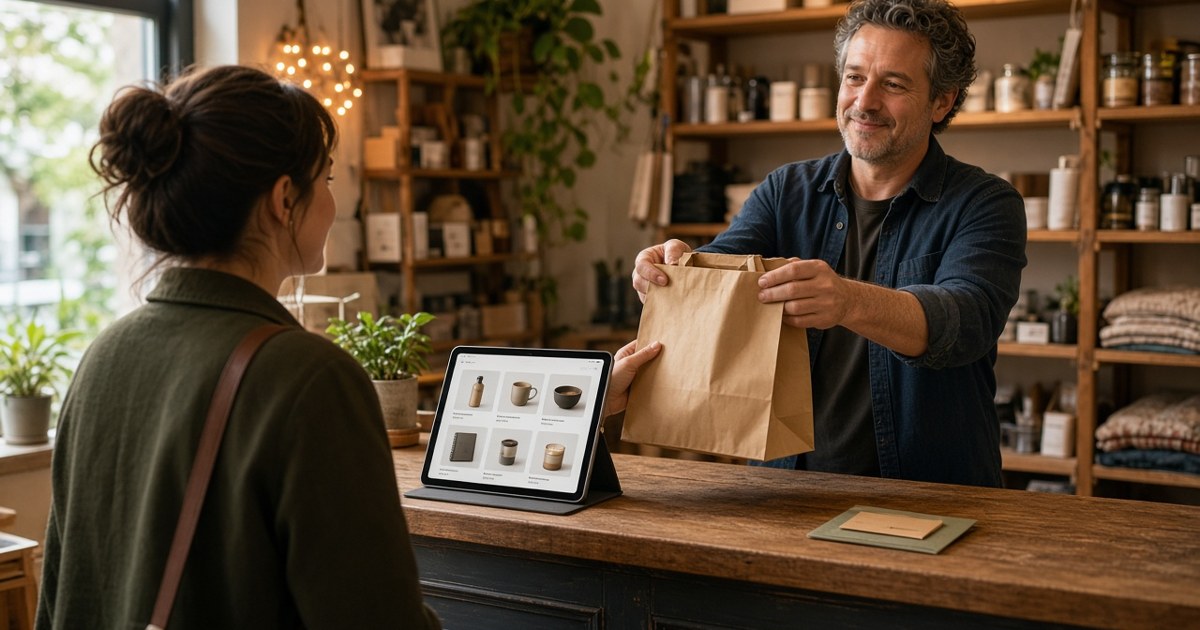
When people hear "online store," they picture big retailers shipping across the country. But an online store for a local business can be much simpler and often more useful: a place where nearby customers can buy gift cards, book fixed-price services, order products for pickup, or pay a deposit without a phone call.
This guide is for local shops, contractors, and service vendors who want to sell online without turning into an e-commerce company.
Why a local business should sell online
Even if most of your work happens in person, an online store can help in a few ways:
- Customers can buy when it suits them. Late at night, on weekends, or between meetings, without waiting for a callback.
- Less back-and-forth. Fixed-price items with clear descriptions cut down on repetitive questions.
- Cash flow. Deposits, prepaid packages, and gift cards bring money in before the work is done.
- A new channel. Gift cards and products give happy customers an easy way to send others your way.
What service businesses can sell online
You do not need a warehouse of products. Many service businesses sell things like:
Fixed-price services
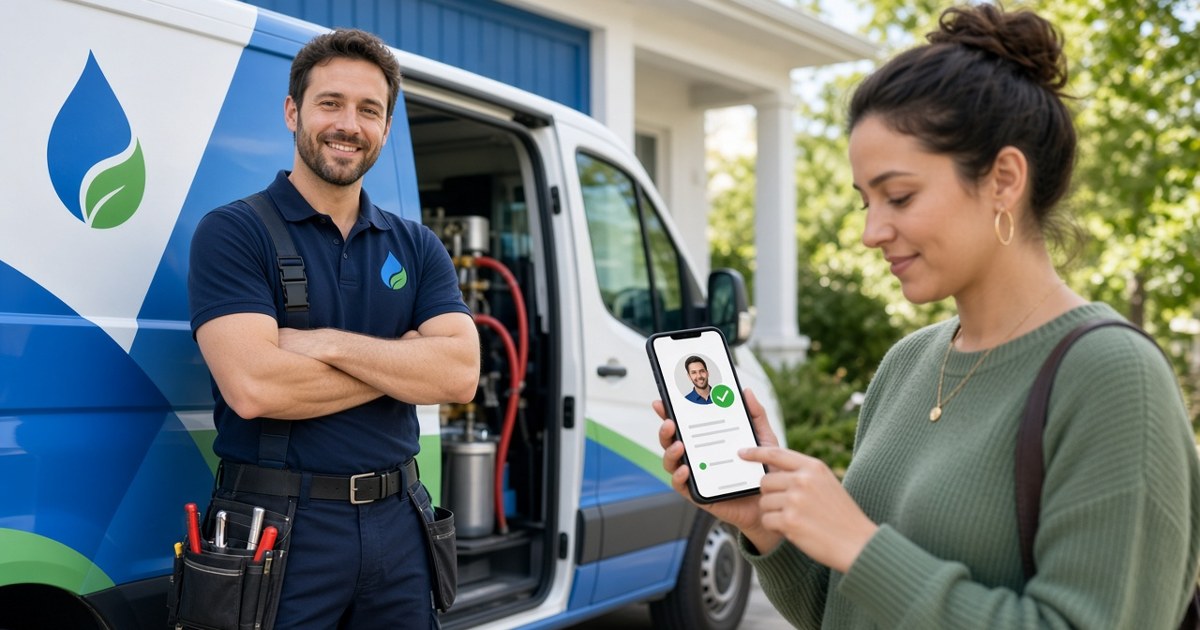
Inspections, tune-ups, a standard gutter cleaning for a single-story home, a one-hour consultation, a dryer vent cleaning. If you can define the scope clearly, you can sell it online.
Maintenance plans and packages
Seasonal lawn care, quarterly HVAC checks, a pack of five cleaning visits. Prepaid packages reward loyal customers and smooth out your schedule.
Gift cards
Popular around holidays and easy to set up. They work for almost any local business, from detailers to caterers to handymen.
Deposits
For larger jobs, taking a deposit online confirms the booking and reduces no-shows.
Physical products
Many trades sell related products: filters, cleaning supplies, plants, parts, or branded merchandise. Offer local pickup or delivery to keep it simple.
How to set up an online store for local business customers
1. Choose a platform connected to your other tools
A standalone store means copying customer details by hand. A store connected to your website and CRM keeps orders, customers, and follow-ups together. Better Sales Pro includes a store alongside its website builder and CRM for this reason.
2. Start with a small catalog
Pick three to five items that customers already ask about. You can always add more. A short, clear catalog is easier to manage and easier for customers to understand.
3. Write clear product and service descriptions
For each item, say exactly what is included, what is not, how long it takes, and any requirements (home size limits, travel area, materials). Clarity prevents disputes.
4. Use real photos
Show the product, the finished result, or your team at work. Real photos build more trust than generic images.
5. Set pricing and policies
Decide on prices, taxes, and your cancellation, rescheduling, and refund policies. Write them in plain language and link them from every item.
6. Decide on fulfillment
For services, explain how scheduling works after purchase. For products, choose local pickup, local delivery, shipping, or a mix. Many local businesses do best starting with pickup and local delivery only.
7. Test the checkout
Place a test order yourself. Check the confirmation email, how the order shows up for you, and how quickly you can follow up.
Pricing tips for local online sales
- Be transparent. Show prices clearly, including any travel or service fees.
- Use ranges carefully. Online items work best at a fixed price; keep variable jobs as "request a quote."
- Reward prepayment. A small discount on packages can encourage commitment.
- Review regularly. Adjust prices as your costs change.
Getting customers to your store
A store nobody visits does not help. Promote it where your customers already see you:
- Add a "Shop" or "Book online" link to your website and every business listing.
- Mention gift cards and packages in follow-up messages and invoices.
- Put a QR code on business cards, flyers, and job-site signs.
- Remind past customers about seasonal packages using your CRM.
For more ideas, see how to get more customers for a small service business.
Mistakes to avoid
- Listing jobs that cannot be fixed-price. If every job is different, sell a consultation or deposit instead.
- Vague descriptions. Ambiguity leads to unhappy customers and refund requests.
- Ignoring orders. Confirm and schedule quickly, just as you would a phone call.
- Overbuilding. Launch small, learn what sells, then expand.
Keeping track of orders and customers
Every online order is also a customer relationship. Recording orders in a CRM lets you see purchase history, send reminders for repeat services, and follow up on gift card buyers. Learn more in A Free CRM for Contractors and Service Vendors, and if you still need a site to host your store, start with our guide to a free website builder for small business.
Customer experience after the sale
The sale is only half the job. A good post-purchase experience brings repeat orders and referrals:
- Confirm right away. Send a clear confirmation with what happens next and when.
- Schedule quickly. For services, reach out to book a time within a business day.
- Deliver what you described. Match the listing exactly, or explain any change before you start.
- Follow up. After the job or pickup, thank the customer and ask for a review.
- Remind them later. Seasonal or recurring items are a natural reason to get back in touch.
Keep your store fresh
Review your store every month or two. Remove items that do not sell, update photos, adjust seasonal offers, and add new items customers keep asking about. A small, current store looks far more trustworthy than a large, outdated one.
Frequently asked questions
Does a local service business really need an online store?
Not every business does, but many benefit from selling gift cards, packages, deposits, or fixed-price services online. Start small and see what customers use.
What should I sell first?
Start with what customers already ask for most often, such as a standard service, a gift card, or a seasonal package.
Can I offer local pickup instead of shipping?
Yes. Many local businesses offer pickup or local delivery only, which keeps fulfillment simple.
How does the Better Sales Pro store work with my website?
The Better Sales Pro store sits alongside the website builder and CRM, so your products, site, and customer records stay connected in one account.
Open your store on Better Sales Pro
Ready to let local customers buy from you anytime? Sign up on Better Sales Pro to set up your business profile, website, and online store in one place.